It is on this website that I do all the writing for these blogs. While the core of the text editor utilizes tiptap, there are number of feature that I added on top that are pretty slick. And in my (totally unbiased) opinion, the best writing experience for my personally flow (by far on mobile).
I won’t spend too much time on the boring stuff. I can italicize, bold, italicize and bold. That’s not all that cool. I can make
Bullet lists
Ok
And numbered ones
Yawn
Different
text
alignment
Let's get a bit spicy
Seen it before
But can you do this
graph TD
    A[Seen it?] --> B{Decision}
    B -->|Yes| C[Option 1]
    B -->|No| D[Option 2]
    C --> E[End]
    D --> E
That diagram is rendered with Mermaid, I cannot claim that… but I can claim live syntax validation and rendering updates.
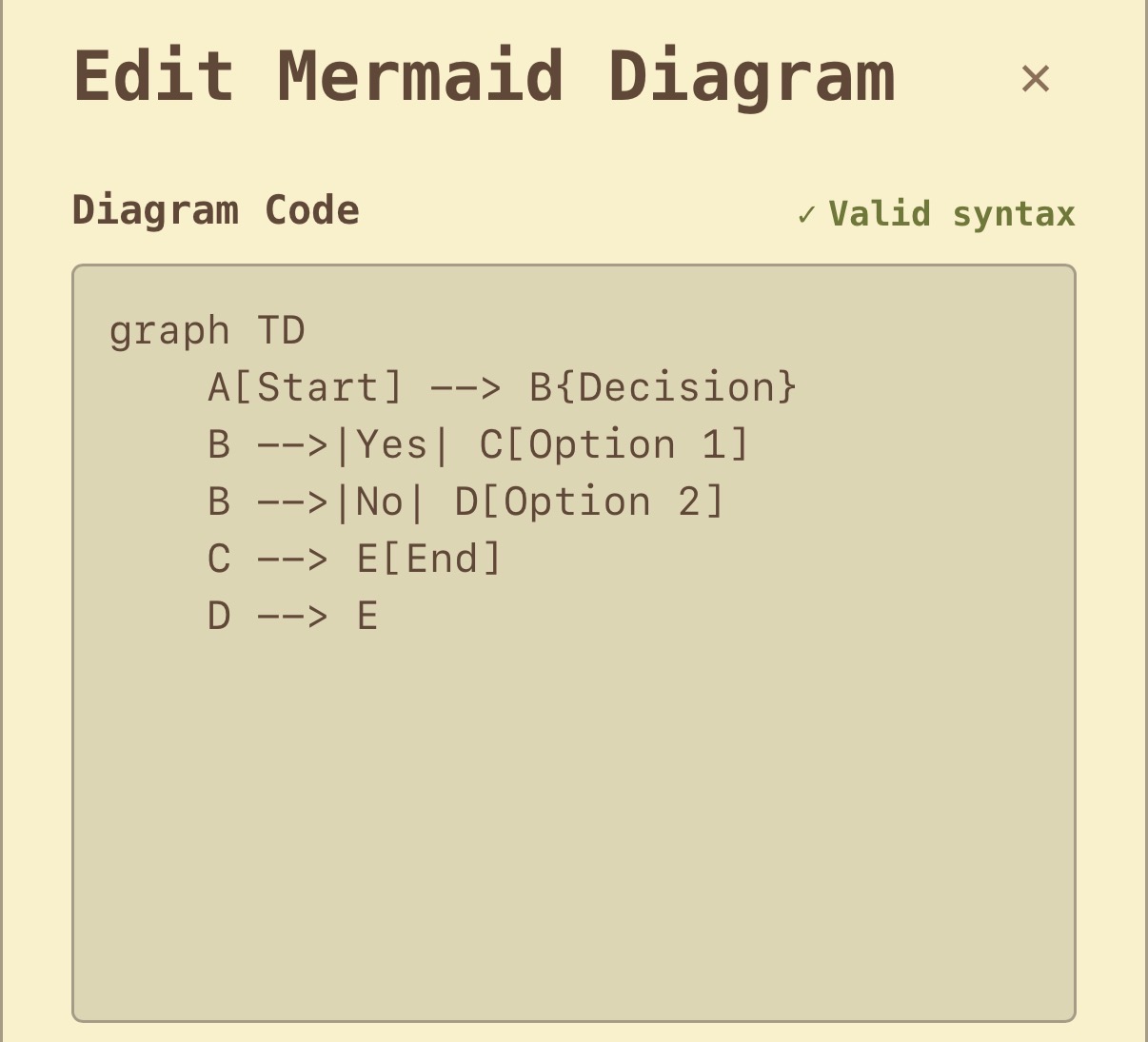
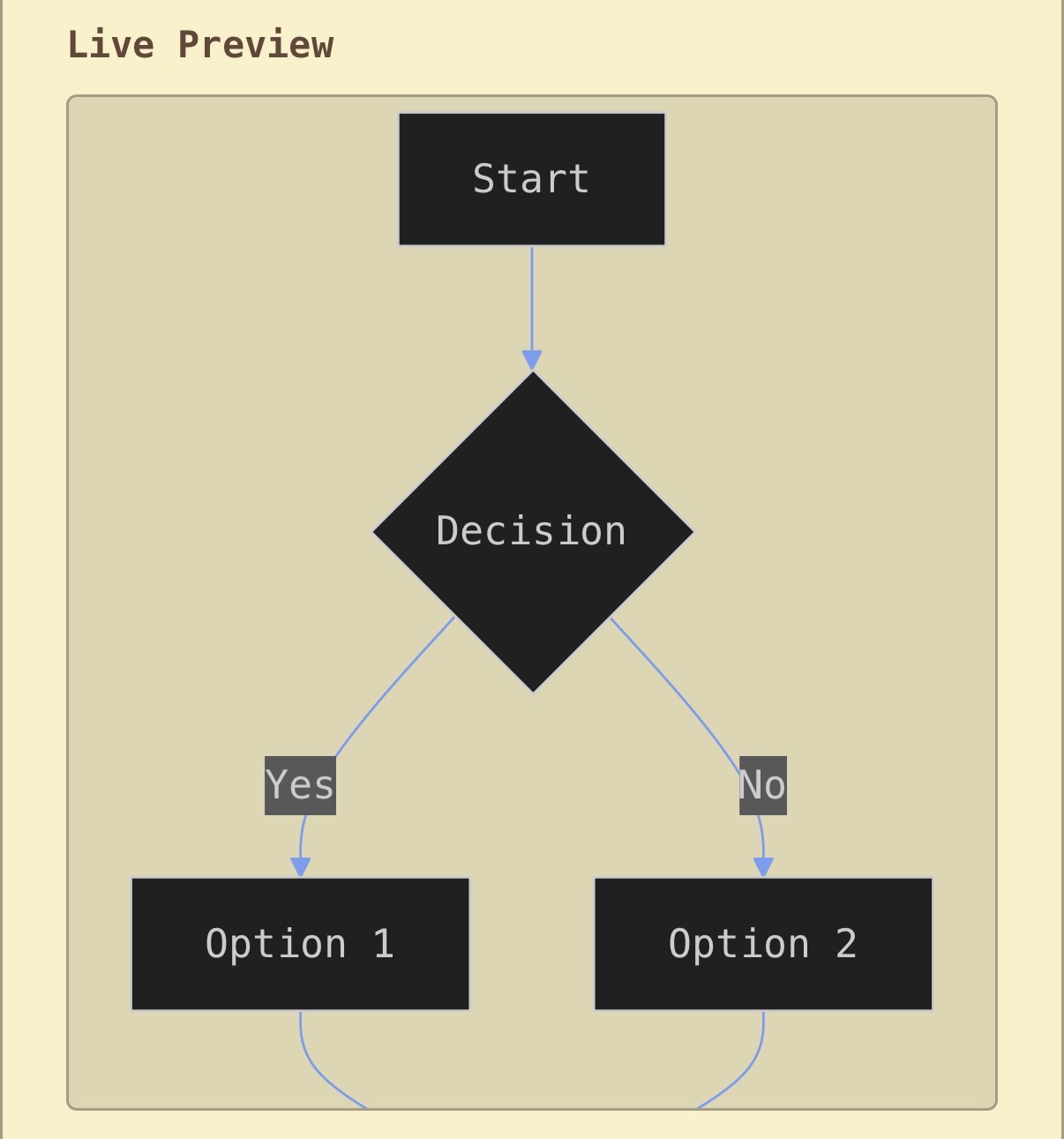
Those images are uploaded as attachments with a drag and drop feature(or file explorer). They are immediately uploaded to an s3 bucket[1], (oh yeah I’ve got a quick reference button that inserts those - will get back to this) clicking on them copies their URL to clipboard for easy image insertion.
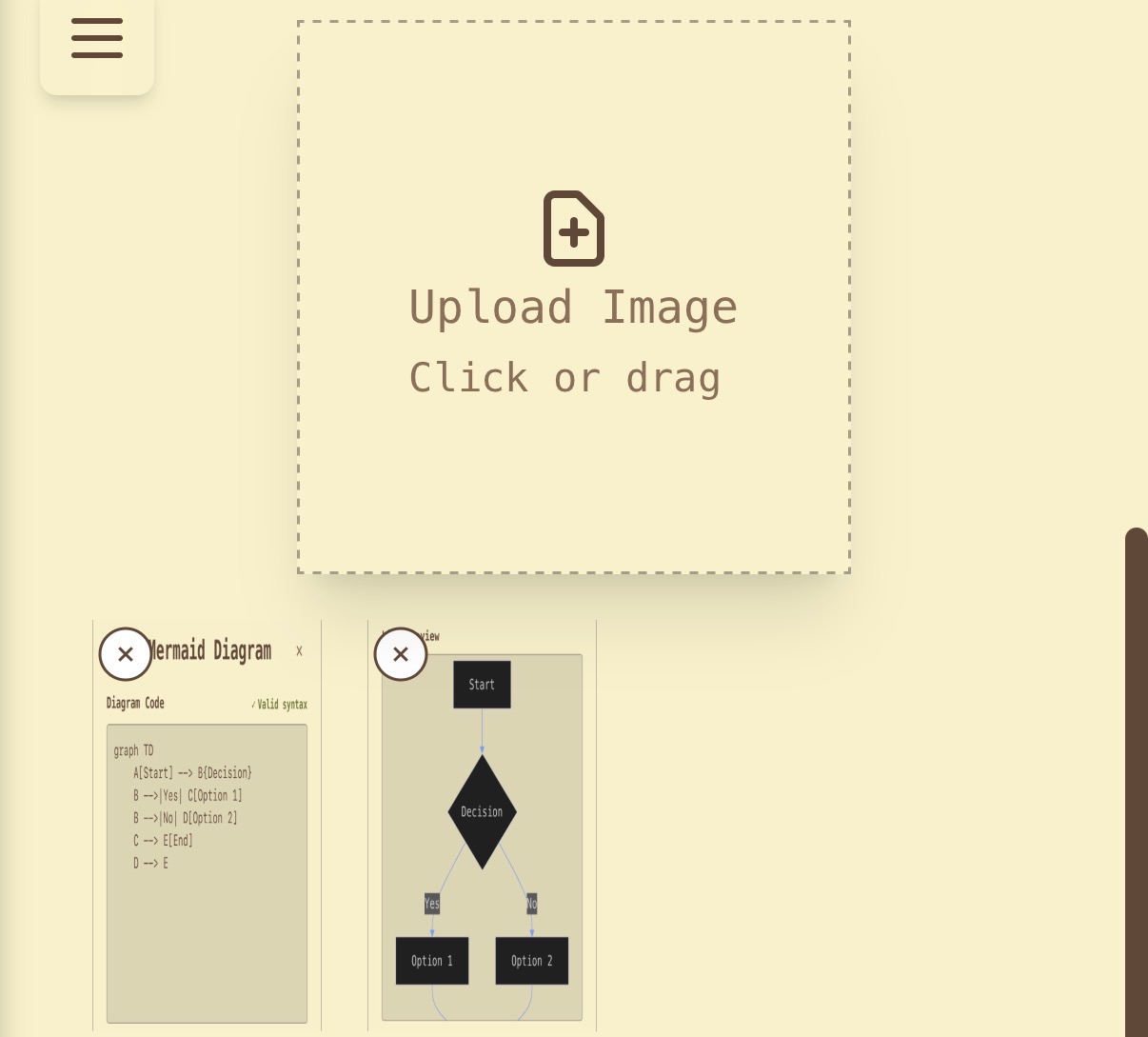
So that’s all getting into the somewhat cool.
How about tables?
Oh | Yeah | I | Got | Tables |
|---|---|---|---|---|
Boy | Oh | Boy |
They’ve got content protection warnings for col/row merges and deletes.
But what’s an editor without history and undos? I’ve got a denounced[2] timer running on keystrokes that grabs the diff[3] between the last saved state and the current state. I store up to 100 of these in my database(per post of course) that are all pulled down and then we create a nice little history. Was originally planning on implementing a tree, but decided against it(for now).
Also the content change flashing is a bit jank, it needs to jump… I’ll get to that eventually.
Oh and getting back to it, the quick references are great, they auto update to stay in the proper order and insert a new entry into the section below[4](which only exists when at least one reference exists).
I guess I should also show what it all looks like:
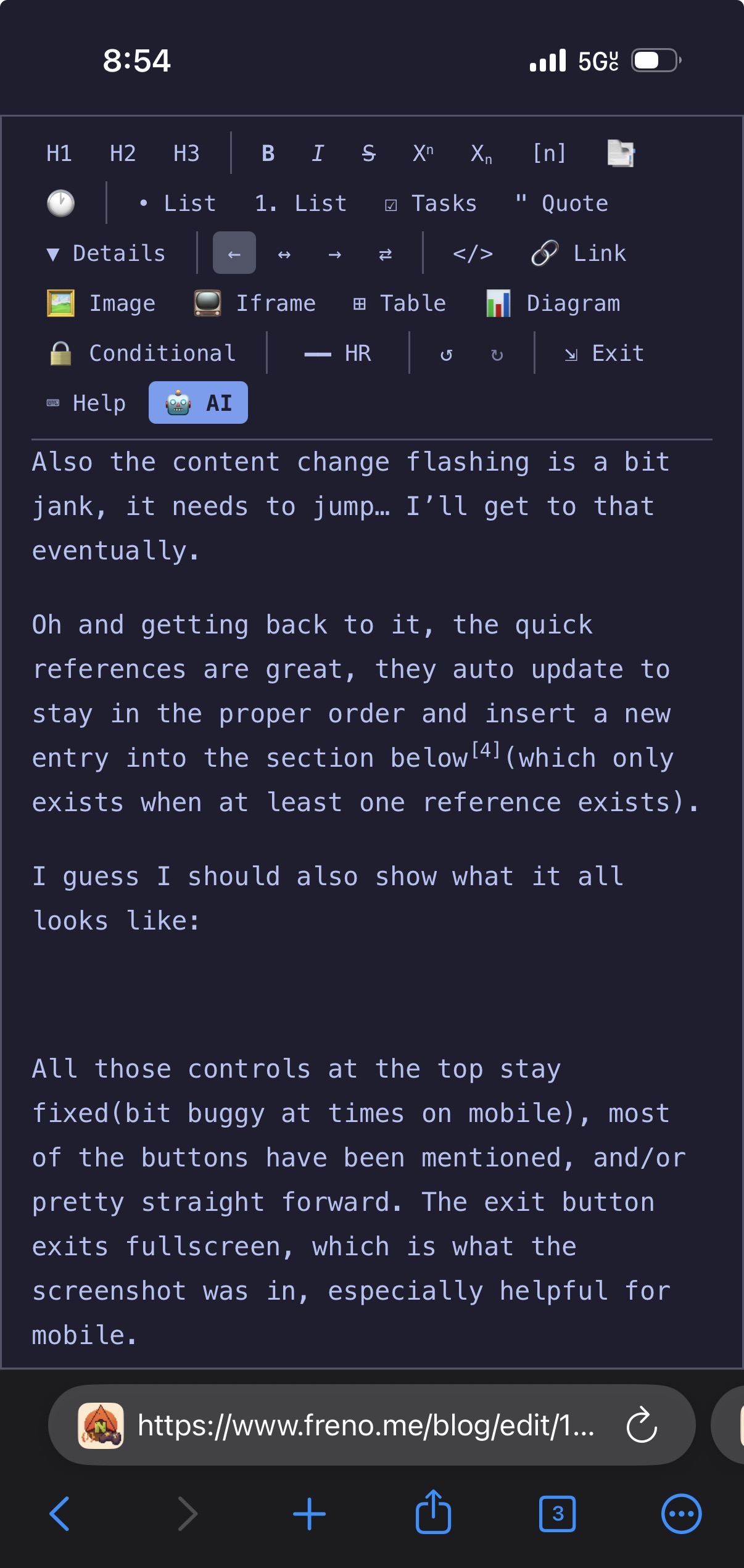
All those controls at the top stay fixed(bit buggy at times on mobile), most of the buttons have been mentioned, and/or pretty straight forward. The exit button exits fullscreen, which is what the screenshot was in, especially helpful for mobile.
That last button is toggles my self hosted LLM, I wrote about set up for it with Opencode and nvim[5] based infill in a previous article here. It looks like this:
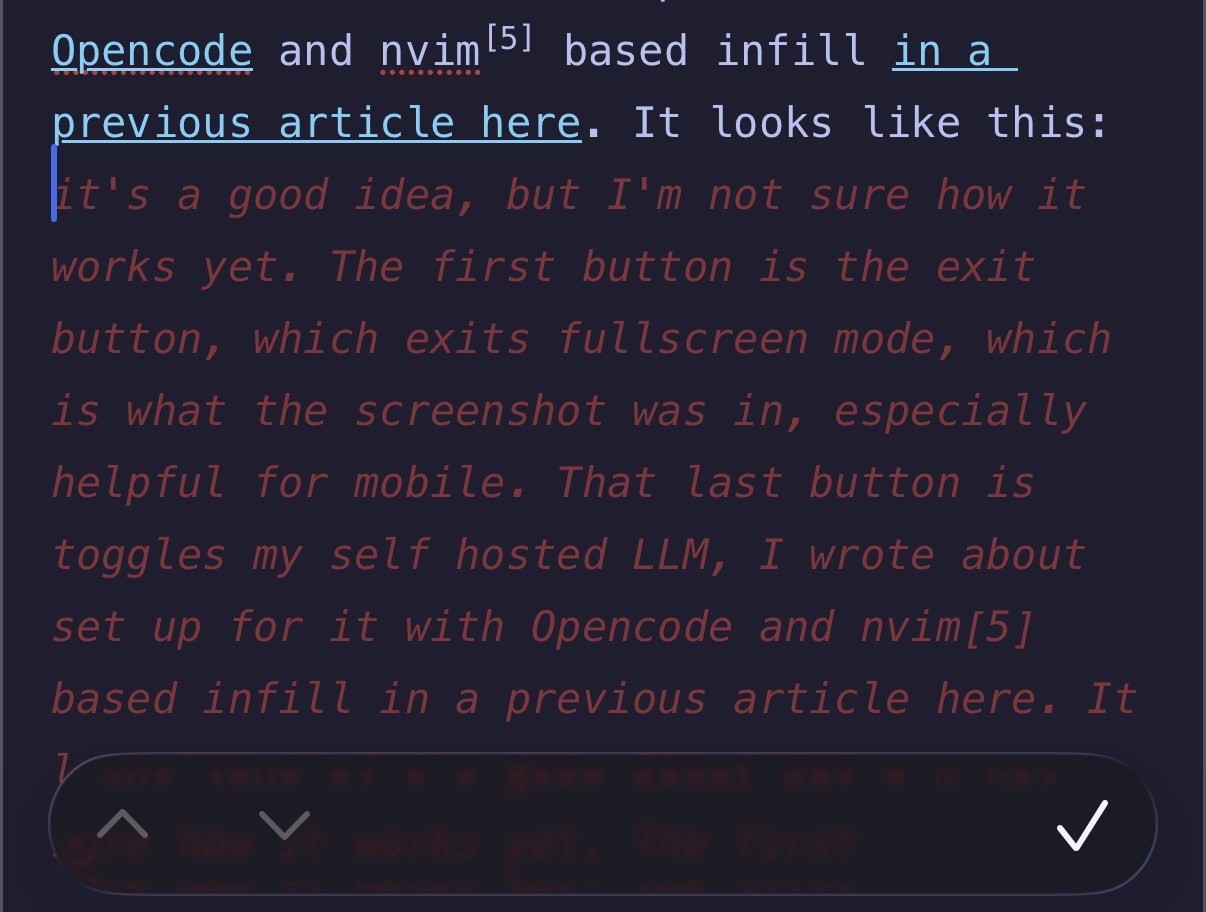
That red text is the LLM suggestion. It’s not a complete suggestion, but rather an in-fill suggestion, which means it only suggests what comes after the cursor position. This is a very helpful feature for when you’re writing code and I thought it might be nice here.
📌 References Section
References
[1] A file storage solution that is a part of AWS(Amazon web services)
[2] Basically it’s a countdown timer that gets reset every time it’s called. So there has to be a minimum of 3 seconds between keystrokes for a diff to be calculated and then stored
[3] Basically a line by line change demarcated with a + or - preceding.
[4] Click back to go back :)
[5] The true greatest text editor, I will probably add vim motions to this editor soon, but I mostly write in mobile so it will be of little utility